YOUR COMMUTE, IN VIEW
Make the
next one.
The next departure is only useful if you can get there. My NextTrain brings your route, travel time, and leave-by countdown into one clear view.
For iPhone · iOS 18+ · 7-day free trial
$1.99/year or $4.99 lifetime
01 / BEFORE YOU LEAVE
A departure time.
And a plan to make it.
Start with the trip you can actually catch. Then see what comes next.
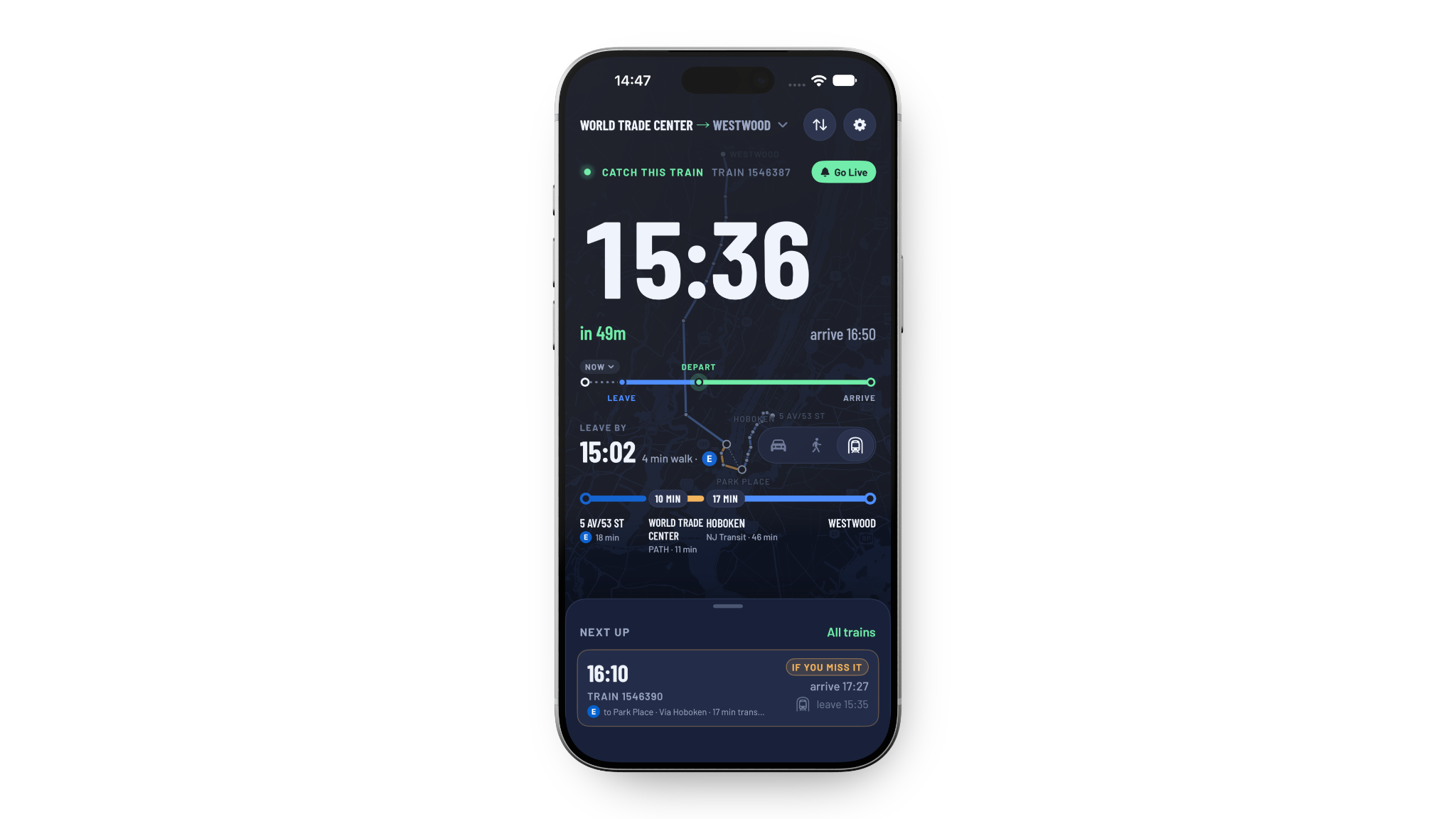
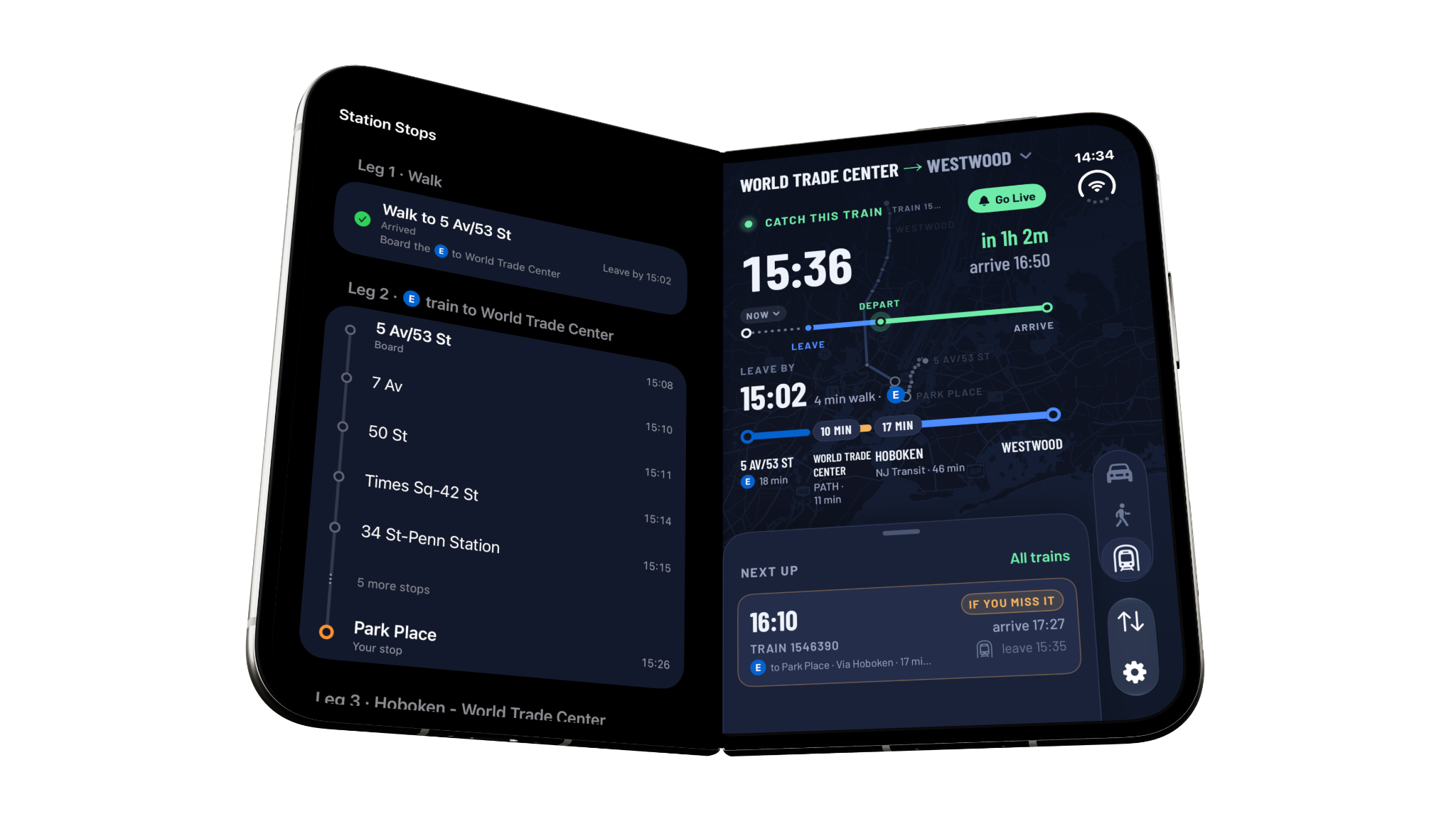
Know when to head out.
Walking or driving time, plus your boarding buffer, helps calculate when to leave for the station.
Keep a backup in view.
Compare later departures, arrival times, and transfer details. Plan up to 24 hours ahead when your day calls for it.
Read the latest picture.
See live delays where feeds are available, alongside the schedule. Track information appears where supported; predicted tracks are estimates.
02 / ALONG THE WAY
Less guessing.
More getting there.
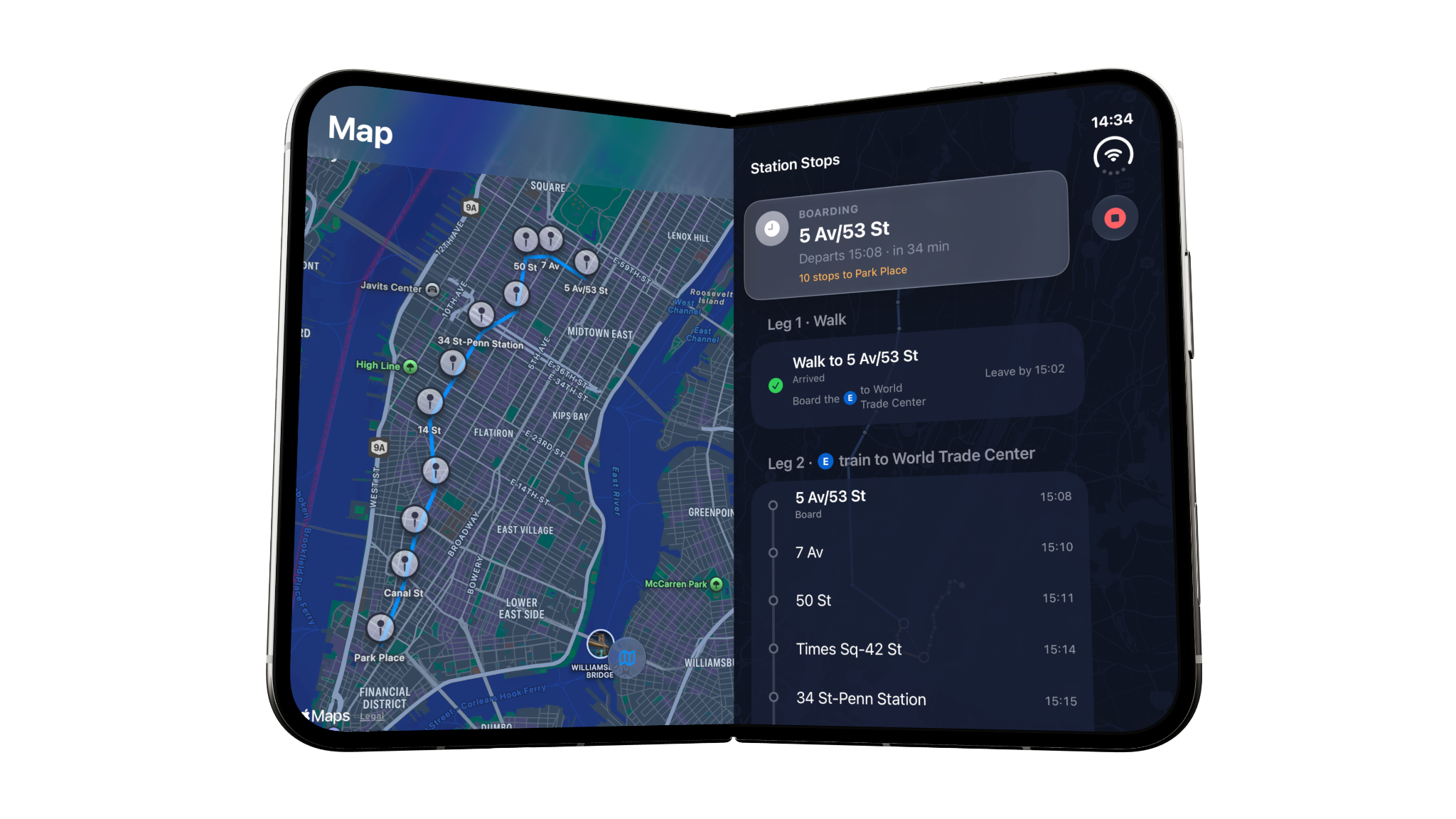
Follow your journey beyond the departure board, with station stops, transfer legs, and a map you can make sense of.
Train. Bus. Both.
Compare NJ Transit rail, bus, and PATH options in one combined system. Filter for the way you want to travel.
Your next stop, in sight.
Journey tracking follows your progress through stations and transfers, with arrival alerts for the tracked trip.
Start before the station.
Walk or drive to your boarding point. Optional NYC subway access adds connections to supported NYC boarding stations in beta.
Tracking depends on permissions, signal, and available transit data. NJ Transit buses are schedule-only. Subway access is beta and is not a standalone subway planner.
03 / AT A GLANCE
Keep your day moving.
A timely reminder. A familiar route. The little details that make a daily trip feel easier.
Less clock-watching.
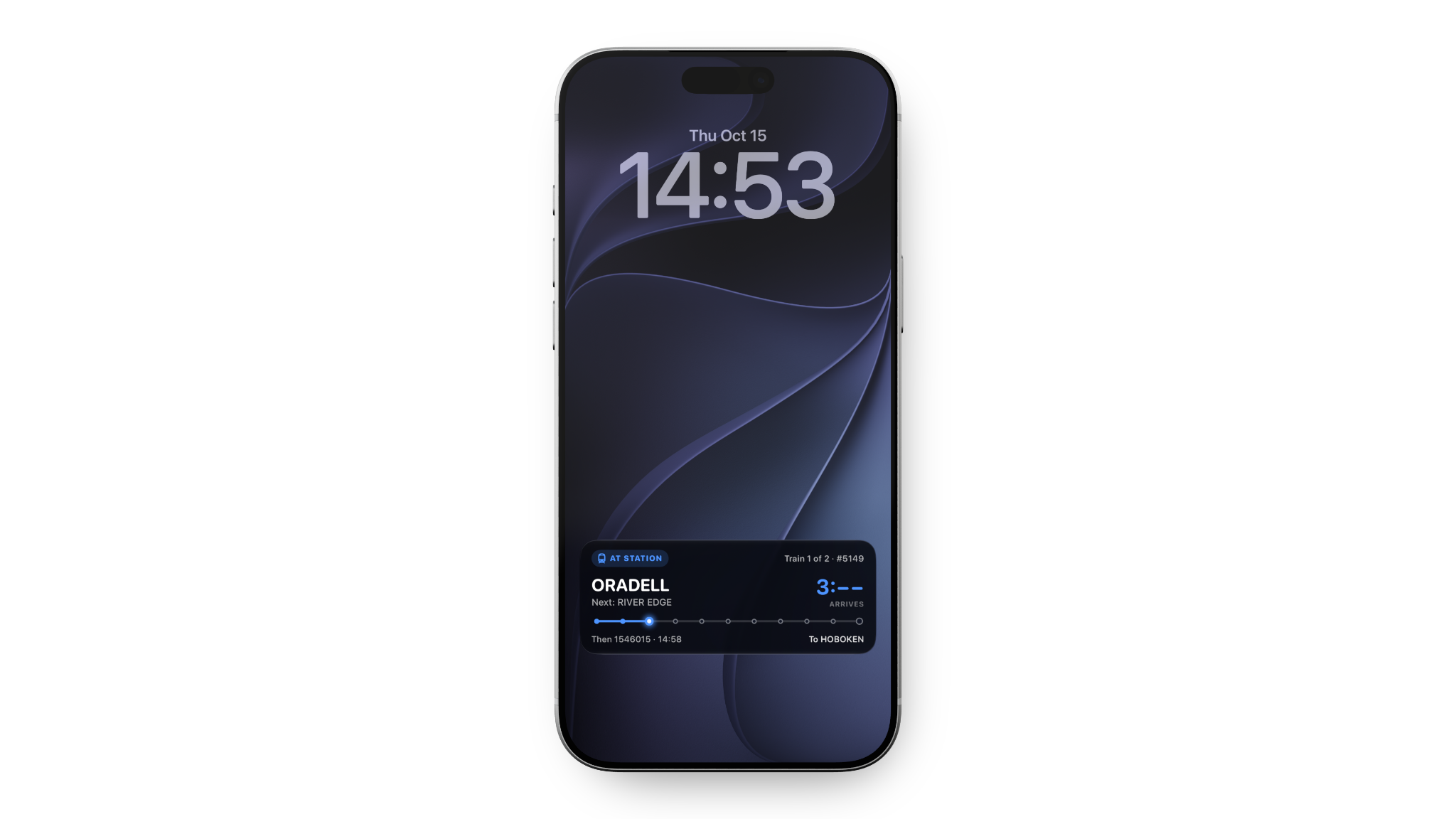
Set a leave-by reminder and follow the countdown with Live Activities on the Lock Screen and Dynamic Island on supported devices.
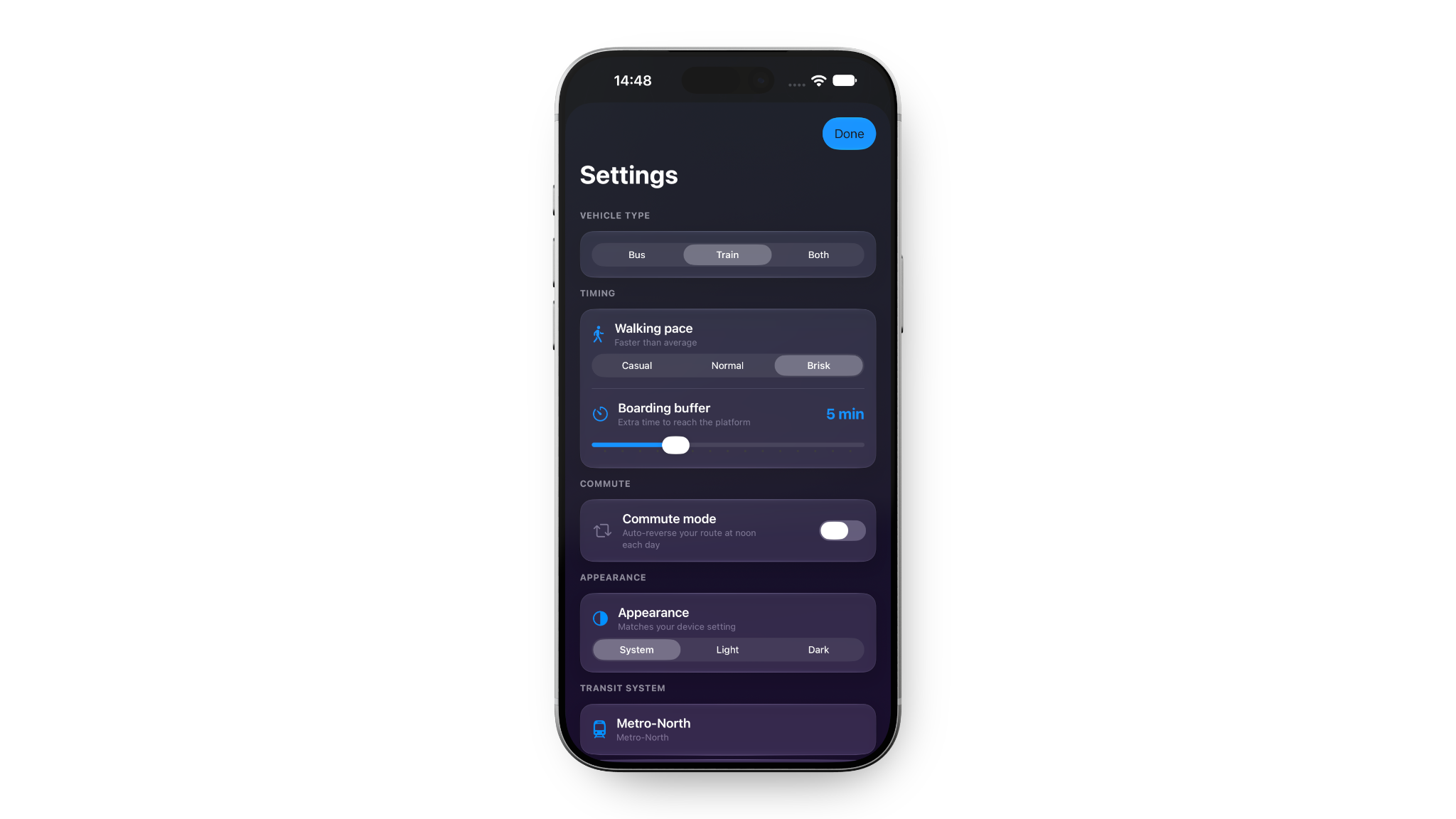
Make it your commute.
Choose your walking pace, boarding buffer, and appearance. Commute mode can reverse your saved route for the return journey.
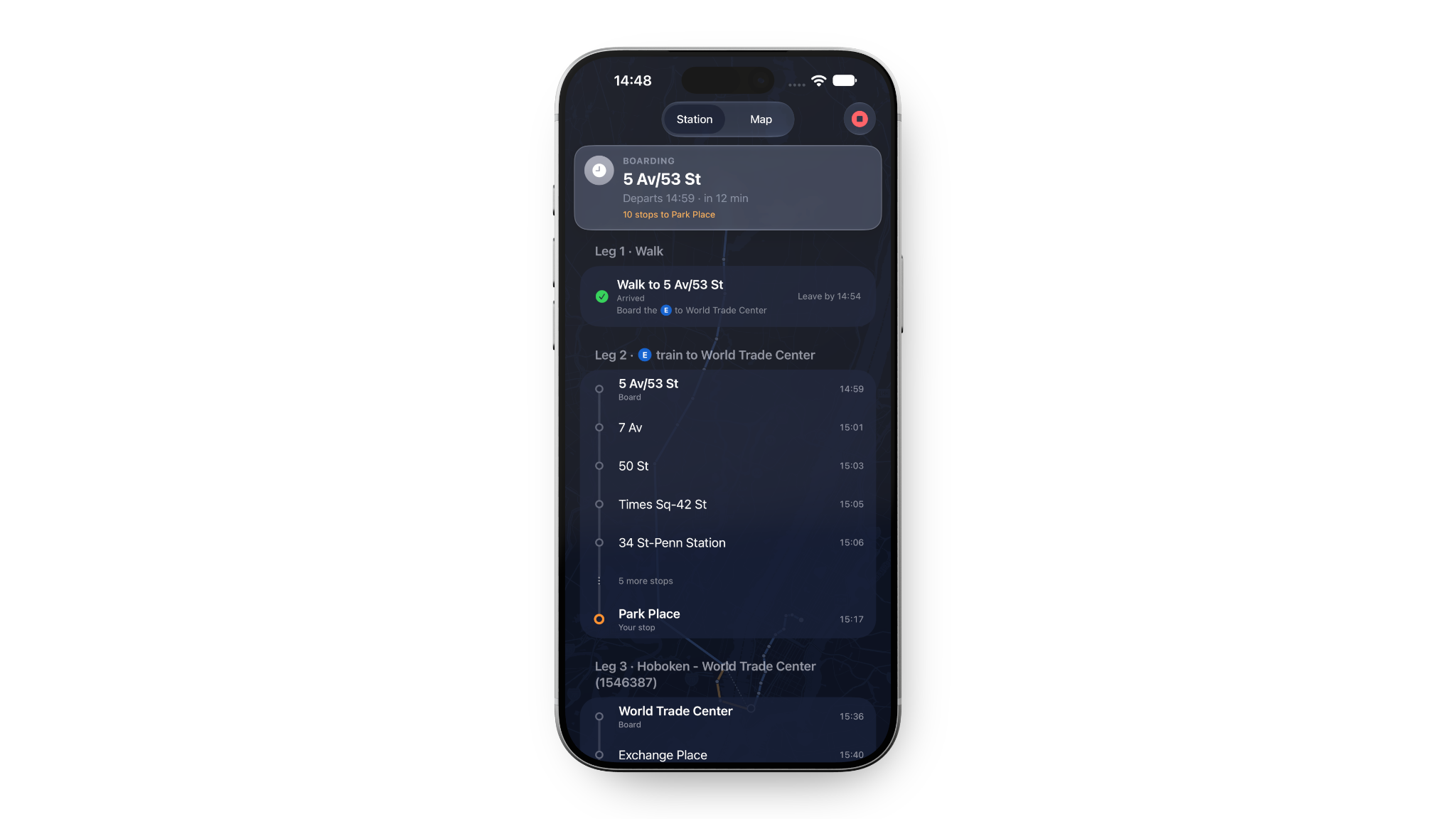
See how it connects.
Review station stops and transfer details in sequence, from the first walk to the last station.
Siri shortcuts for your next train.
Home Screen widgets for upcoming departures.
04 / FIND YOUR LINE
Your corner
of the network.
Built around regional journeys in New York, New Jersey, and the Philadelphia area.
Live data varies by agency and feed availability. Always check official agency information for service changes and confirmed track assignments.
Metro-North
Schedules + live dataLong Island Rail Road
Schedules + live dataNJ Transit & PATH
Rail + PATH live feedsBus schedules only
SEPTA Regional Rail
Schedules + live dataBETA NYC subway access to supported boarding stations. Enable “Include Subways” in Settings.
A CLOSER LOOK
The details, on display.
Explore more of the supplied app previews.
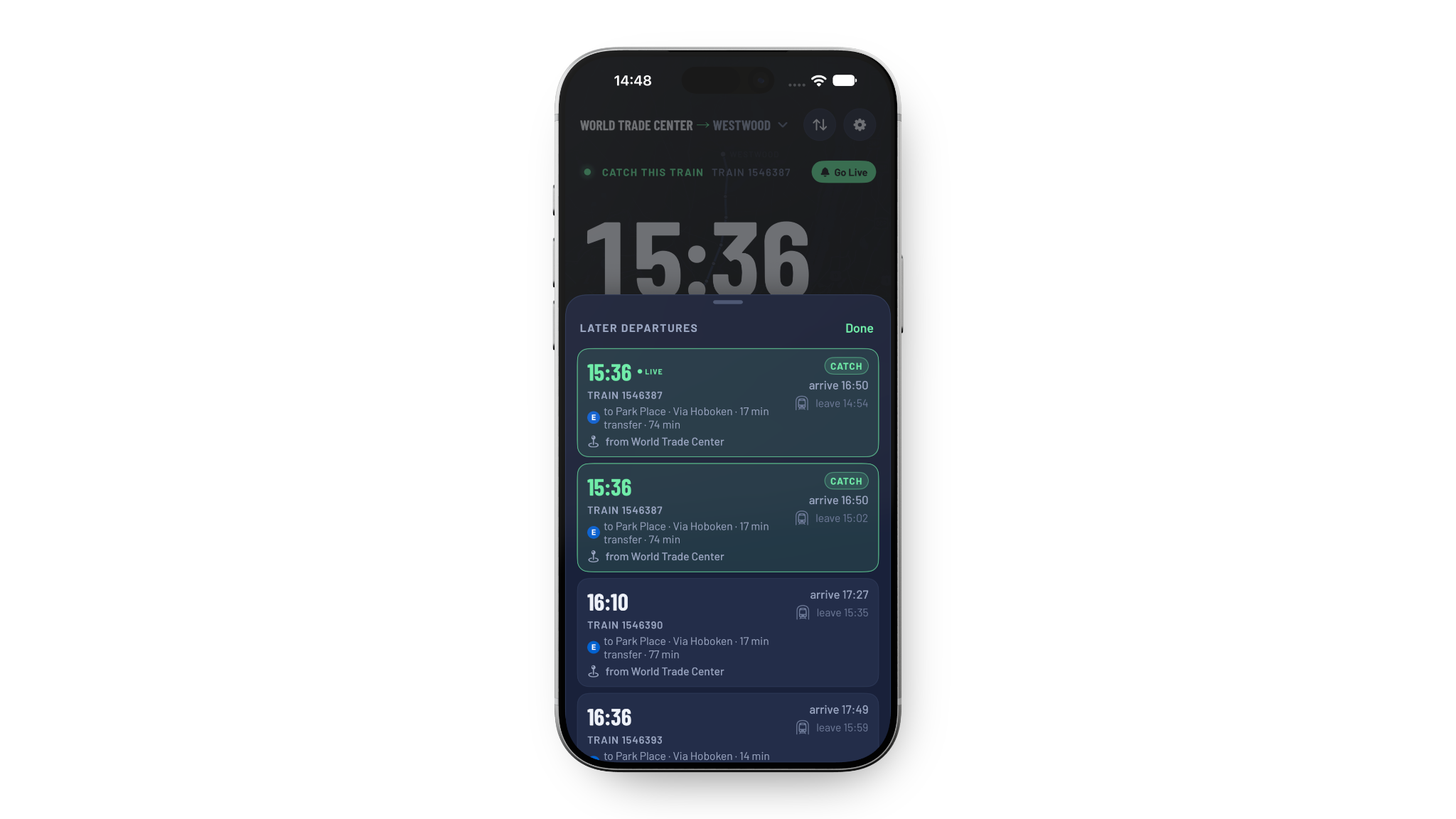
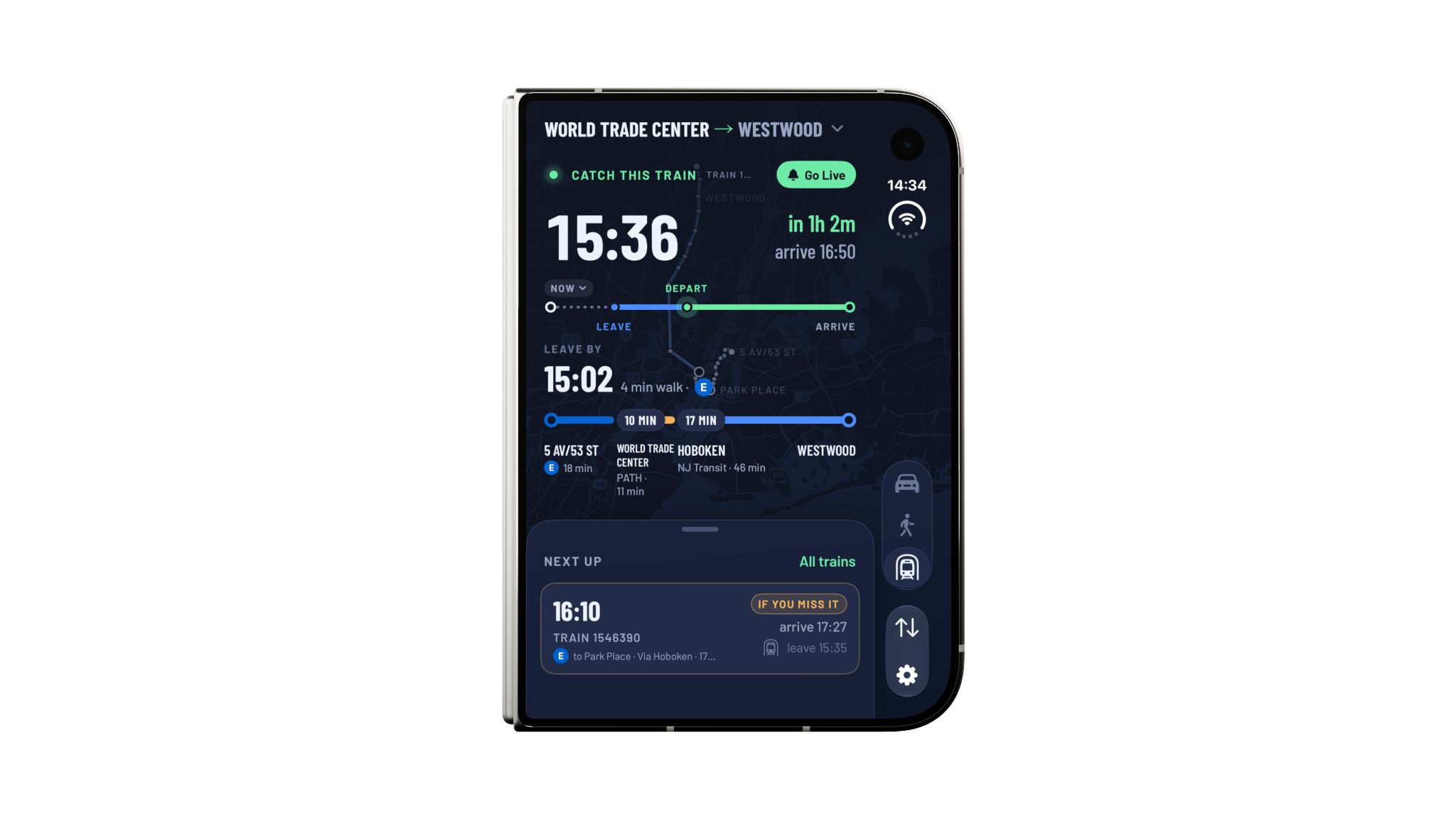
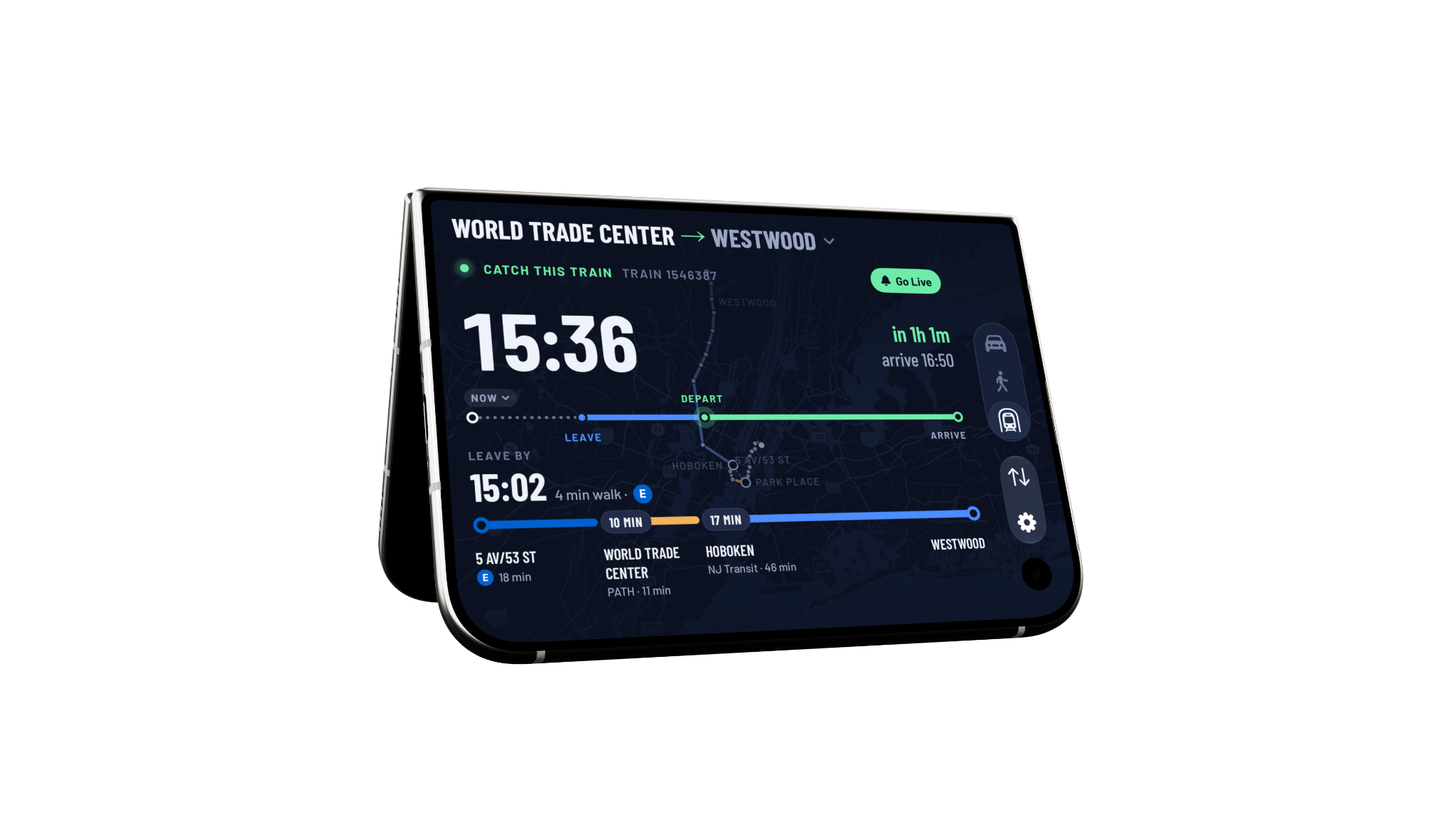
Images show preview layouts. Device mockups do not imply availability on a particular device model.
GOOD TO KNOW
Before you
get on board.
Is every departure live?
No. Schedules underpin the planner, with live updates where supported and available. NJ Transit bus journeys use schedule data only. Delays, cancellations, and track assignments can change; check your agency’s official information.
Does My NextTrain need my location?
Location helps find nearby stations, estimate travel time, and follow a tracked journey. The app can request background location for tracking. Manage location permissions in iOS Settings. Restricting them can reduce travel-time and progress accuracy.
Does the app use analytics?
Yes. The app uses Mixpanel for usage analytics, including selected origin and destination station names, feature interactions, and technical events. Read the privacy policy for details and contact information.
What are the purchase options?
Choose an annual subscription with a 7-day free trial, then $1.99 per year, or lifetime access for a one-time payment of $4.99. The annual subscription renews automatically unless canceled. Lifetime access is a one-time purchase and does not renew. Review trial eligibility, pricing, and purchase terms before purchasing. Manage or cancel an annual subscription through your Apple account.
Which iPhones and iOS versions are supported?
My NextTrain requires iOS 18 or later on a compatible iPhone. Live Activities, Dynamic Island, widgets, and layouts depend on your device, permissions, and system settings.
How do I report a problem?
Email albert.c.lee+mynexttrain@gmail.com with your transit system, route, travel date and time, and a description of what happened. See Contact & Support for troubleshooting.
A clear view includes your data.
Read how location, saved preferences, analytics, and service providers are used.
NEXT STOP: A CLEARER COMMUTE
Make room for
the next one.
My NextTrain for iPhone.
Requires iOS 18 or later. Annual plan: 7-day free trial, then $1.99/year, renewing automatically unless canceled. Or choose lifetime access for a one-time payment of $4.99.